Didn't receive the verification code email
Sometimes the verification email is late or lands in another folder. Fix it in a few minutes.
Check your email address
A typo is the most common cause.
Common domain typos:
gmail.com→ wrong: gmial.com, gmai.comoutlook.com→ wrong: outlok.com, outlock.comhotmail.com→ wrong: hotmai.com, homail.com
Technical mistakes:
- Trailing whitespace (especially when copying the address)
- Comma instead of dot:
john,doe@example.com - Missing characters:
johndoe@examplecom
Recommendation
Type the email manually instead of pasting. This avoids stray spaces and invisible characters.
Where to look
Automated emails often land outside the main inbox. Check every folder.
Major email providers
Check these tabs:
- Promotions
- Updates
- Social
- Spam
Check these folders:
- Other (in Focused Inbox view)
- Junk Email
- Quarantine (for corporate accounts)
Check rules: the message may have been moved automatically.
Check these folders:
- Spam
- Bulk
Check filters: Settings → Filters
Use search: type statable.com into your inbox search bar to surface every message we've ever sent you.
Corporate email
Corporate mail systems often have stricter filtering:
- Ask your IT administrator to whitelist
statable.com - Confirm transactional emails aren't blocked by policy
- Check any quarantine system your company uses
Delivery time and resending
Typical delivery:
- Standard: under one minute
- Peak hours (9-11, 14-16 UTC): up to 2 minutes
- Worst case: 3-5 minutes
Resending the code:
After 60 seconds, a Resend button appears:
- Click Resend code
- Wait 2-3 minutes
- Re-check every folder
Mark Statable as a safe sender
Once you find the email, add Statable to your safe senders so future codes always arrive on time.
Gmail
- Find the email (even if it's in Spam)
- Open it
- Click Not spam if it's flagged
- Drag the message into your Inbox
Outlook
- Right-click the message → Not junk
- Choose Add sender to safe senders
Yahoo
- Open the email in the Spam folder
- Click Not Spam
- Add
support@statable.comto your contacts
Check service status
Before contacting support, open the Service status page. If email delivery is listed as degraded, the code is on the way once the incident clears.
Contact support
If nothing works, reach out and we'll activate your account manually.
What to include:
- The email address you signed up with
- Approximate time you requested the code
- Steps you've already tried
- Optional: a screenshot of the verification screen
Support contacts:
- Email: support@statable.com
- Typical response time: a few minutes
FAQ
Why does the email land in spam?
Transactional emails sometimes get flagged as bulk by aggressive filters. The first message from a new sender is most at risk. Once you mark a Statable email as Not spam (or whitelist statable.com), future codes go straight to your inbox.
Can I use a disposable email address?
No. Disposable and temporary email providers are blocked at sign-up for security reasons. Use a permanent mailbox you control.
What if the code doesn't work?
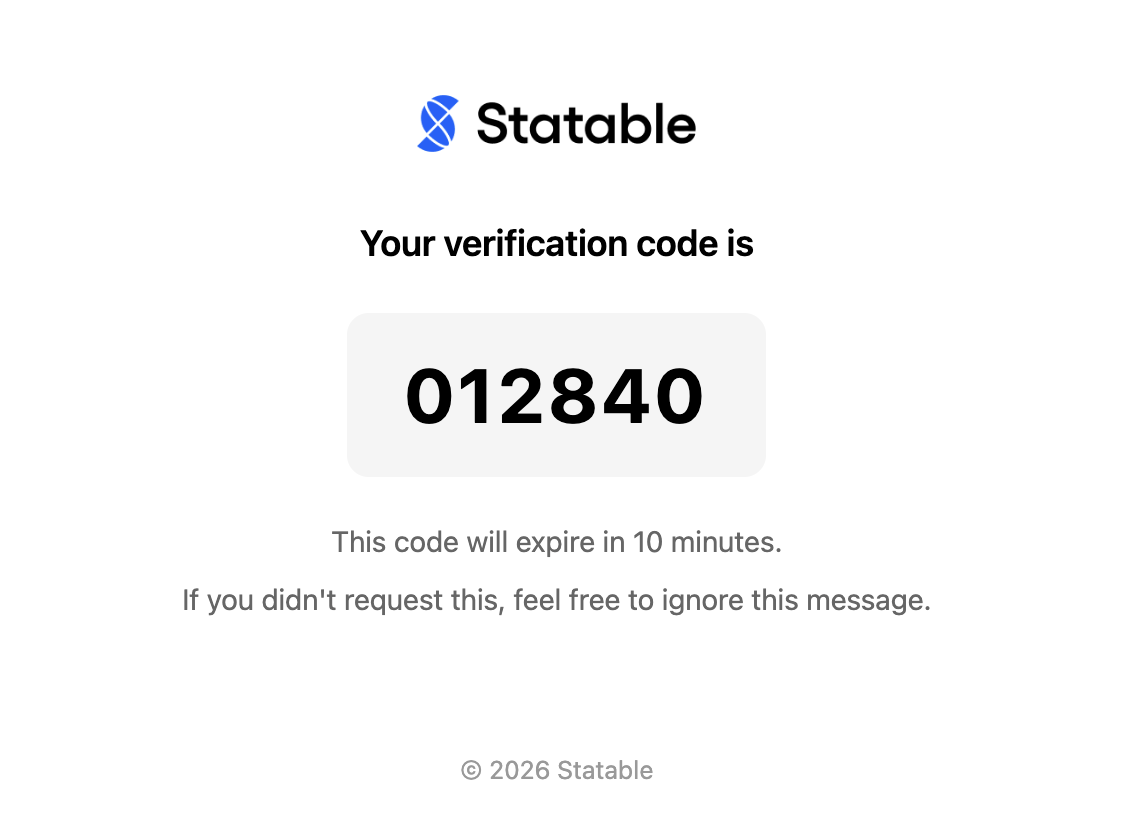
Codes expire 10 minutes after they're sent. Always use the most recent one. After 10 minutes, request a fresh code.
Quick checklist
Run through this before giving up:
- Email entered without typos
- All folders checked, including Spam / Promotions
- At least 2-3 minutes elapsed since the request
- Used the Resend code button
- On corporate mail, asked IT whether
statable.comis whitelisted
Solves 90% of cases
Most missing verification emails are sitting in Spam or Promotions. Check there first and mark the sender as safe.
Ready to take control of your web analytics? Try Statable free for 30 days. No credit card required, full feature access, built for GDPR. Start your free trial or view a live demo.