Security
Settings → Security holds the two things that decide who can get into your account: how you sign in, and which devices are currently signed in.
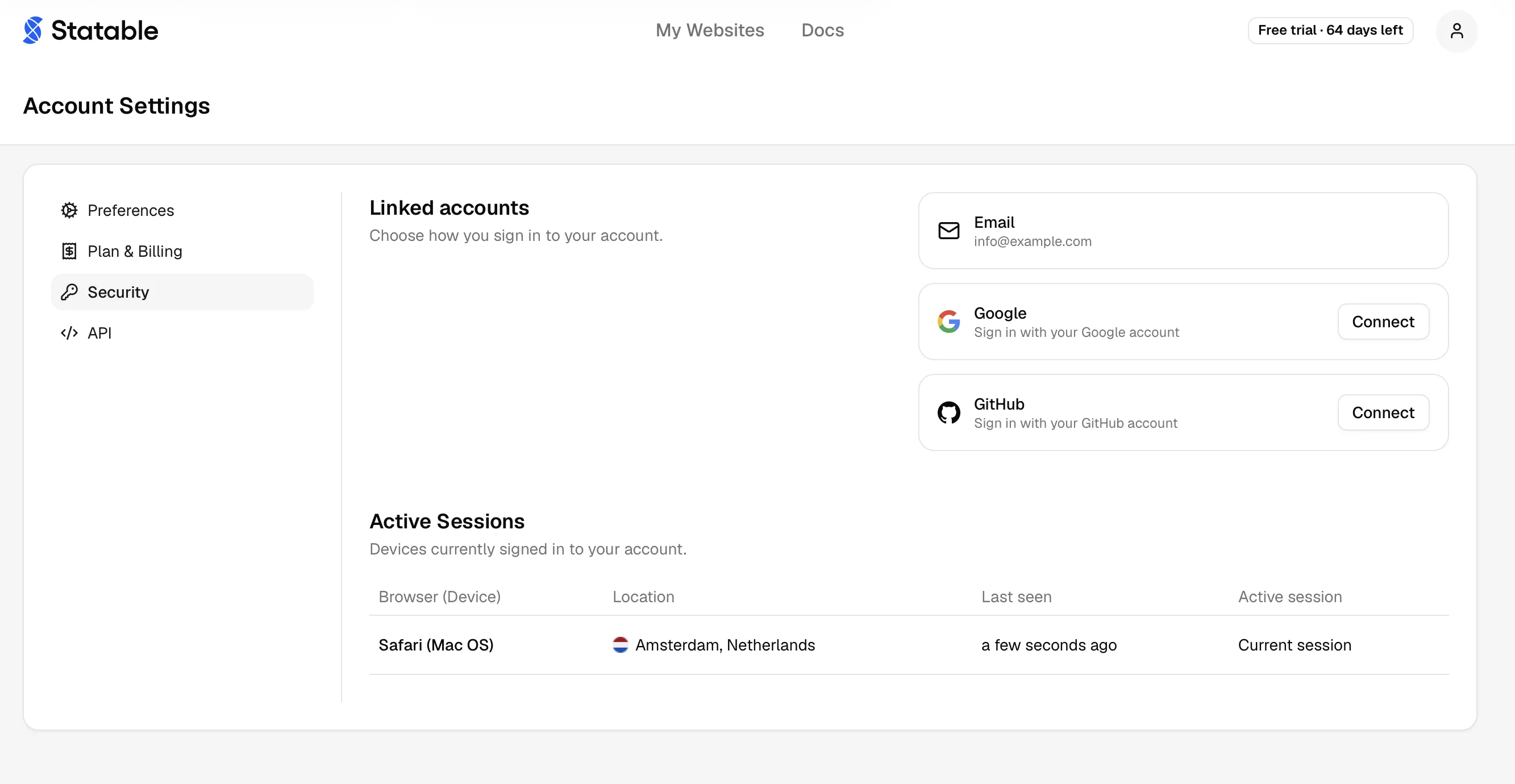
Linked accounts
Choose how you sign in. Three methods can sit on one account:
| Method | Can be removed |
|---|---|
| No. It is the always-available fallback. | |
| Yes | |
| GitHub | Yes |
Email OTP is permanent by design. Because it can't be removed, you can never lock yourself out by unlinking the others. Trying to remove it fails with "Email is the always-available fallback and cannot be removed."
- Link. Click Connect on Google or GitHub and authorize. The provider's verified email must match your account email.
- Unlink. Click Disconnect on a linked provider. Each linked row shows the date you linked it.
Linking can also start from the sign-in screen. Sign in with Google or GitHub on an address that already has an account and Statable sends a code there, attaching the provider once you enter it, rather than turning you away.
Linking doesn't create a second account. The account is one record keyed by email, so any method resolving to the same verified address lands on the same account. How sign-in methods relate to your email is covered under profile settings.
Active sessions
Every device currently signed in to your account, one row each:
| Column | Meaning |
|---|---|
| Browser (Device) | Which browser and platform, for example "Chrome (Mac OS)". |
| Location | Approximate place the session signed in from. |
| Last seen | When that session was last active. |
| Active session | Marks the one you're using now as Current session. |
Click the sign-out icon on any row to end that session. It signs that device out immediately, and the row disappears.
Signed in somewhere you don't recognize?
End the session, then unlink any OAuth provider you didn't add yourself. Sessions are ended individually, so revoke each unfamiliar row.
Related
- Profile covers your name, email, and sign-in methods.
- Delete your account removes the account and its data.
Ready to take control of your web analytics? Try Statable free for 30 days. No credit card required, full feature access, built for GDPR. Start your free trial or view a live demo.