Delete a site
Deleting a site removes it and every byte of data attached to it. The action is permanent and cannot be undone.
This page covers what's deleted, what survives, how to confirm, and what to do instead if you only want to pause tracking.
Not your site?
Only the owner can delete a site. On a site shared with you, choose Leave website from the site's ⋯ menu in your sites list instead: you lose access, the site and its data stay with the owner. See Site members and roles.
How to delete
- Open Site settings → Danger zone.
- Click the red Delete website button.
- In the confirmation dialog, type
deleteexactly. All lowercase, no spaces:DELETEis rejected. - Click Delete website in the dialog.
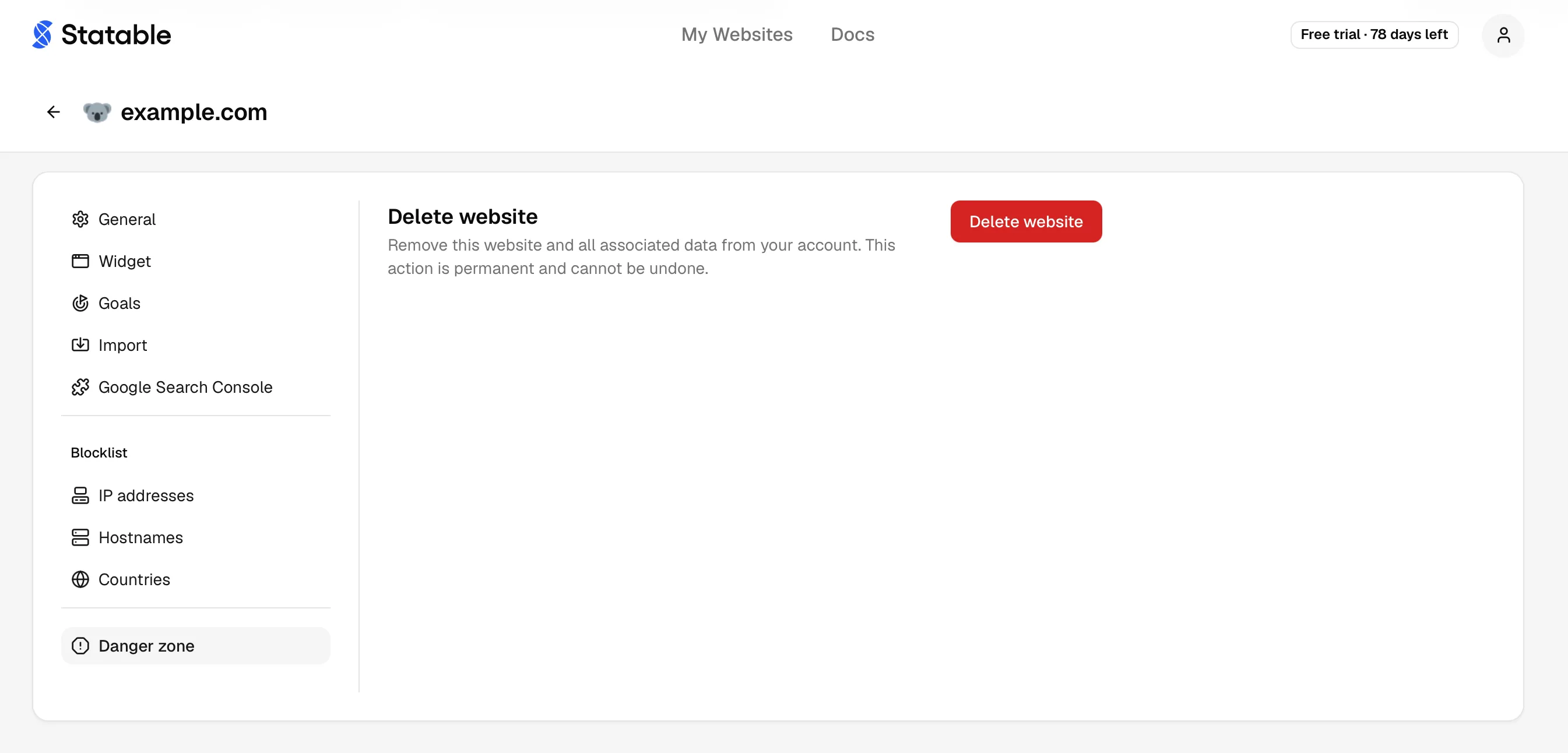
After confirmation, the site disappears from your sidebar within a second. The deletion job runs asynchronously and finishes within minutes for typical sites. Very large sites (many millions of events) take longer for the cascade to complete.
What is deleted (cascade)
Everything tied to the site row goes with it:
- All raw events and pageviews.
- Aggregated session data.
- Goals and goal completions.
- Custom events and their property schemas.
- Embedded widgets (live counter, globe, country map).
- GA4 imports and connection metadata.
- Public dashboard share URL.
statable.com/share/{hash}returns 404. - Tracking-code association. The
data-idis invalidated.
The site's data-id and 10-character hash are not reissued. If you re-create a site for the same domain, you get a fresh data-id and need to update your <script> tag.
What survives
Deletion is scoped to one site. The following stay intact:
- Your Statable account and login.
- Other sites you own.
- Billing, subscription, payment methods, invoice history.
- Profile (name, email, preferences, API keys).
- Audit log entries that reference the deleted site (kept for compliance).
If the deleted site was your only site, your account is fine. You'll see the empty-state "Add a site" screen on next login.
Effect on the tracking script
The API stops accepting events for the deleted data-id immediately. The <script> tag on your site keeps firing requests, they just return 404. Page-load performance is unaffected (the beacon is async).
To stop the requests entirely, remove the <script> tag. Optional cleanup, not required.
Effect on shared dashboards
If you'd enabled the public dashboard, the share URL stops resolving the moment the delete is confirmed. Anyone with the link sees the Site Private notice (and on subsequent loads, a 404 once the cascade finishes).
Alternatives to deletion
Most "I want to delete this site" requests are actually one of these:
| You want to… | Don't delete, instead… |
|---|---|
| Stop measuring temporarily | Remove the <script> tag from your pages. Data stops flowing, existing reports stay. |
| Make a public dashboard private | Toggle Public dashboard to Off. |
| Exclude internal traffic | Add IPs or hostnames to the traffic blocklist. |
| Move data to a new owner | Contact support. Site ownership can be transferred. |
| Wipe a bad GA4 import | Click the trash icon on the import in Site settings → Import, see Remove imported data. The site survives. |
| Pause billing | Downgrade or pause the subscription under Settings → Plan & Billing. |
If none fit, deletion is the right call.
Compliance and data residency
Statable honors deletion as a hard delete. The site's data leaves our working systems at once. Encrypted backup copies may still hold it for up to 14 days, then they expire automatically and no copy of the data remains.
Ready to take control of your web analytics? Try Statable free for 30 days. No credit card required, full feature access, built for GDPR. Start your free trial or view a live demo.